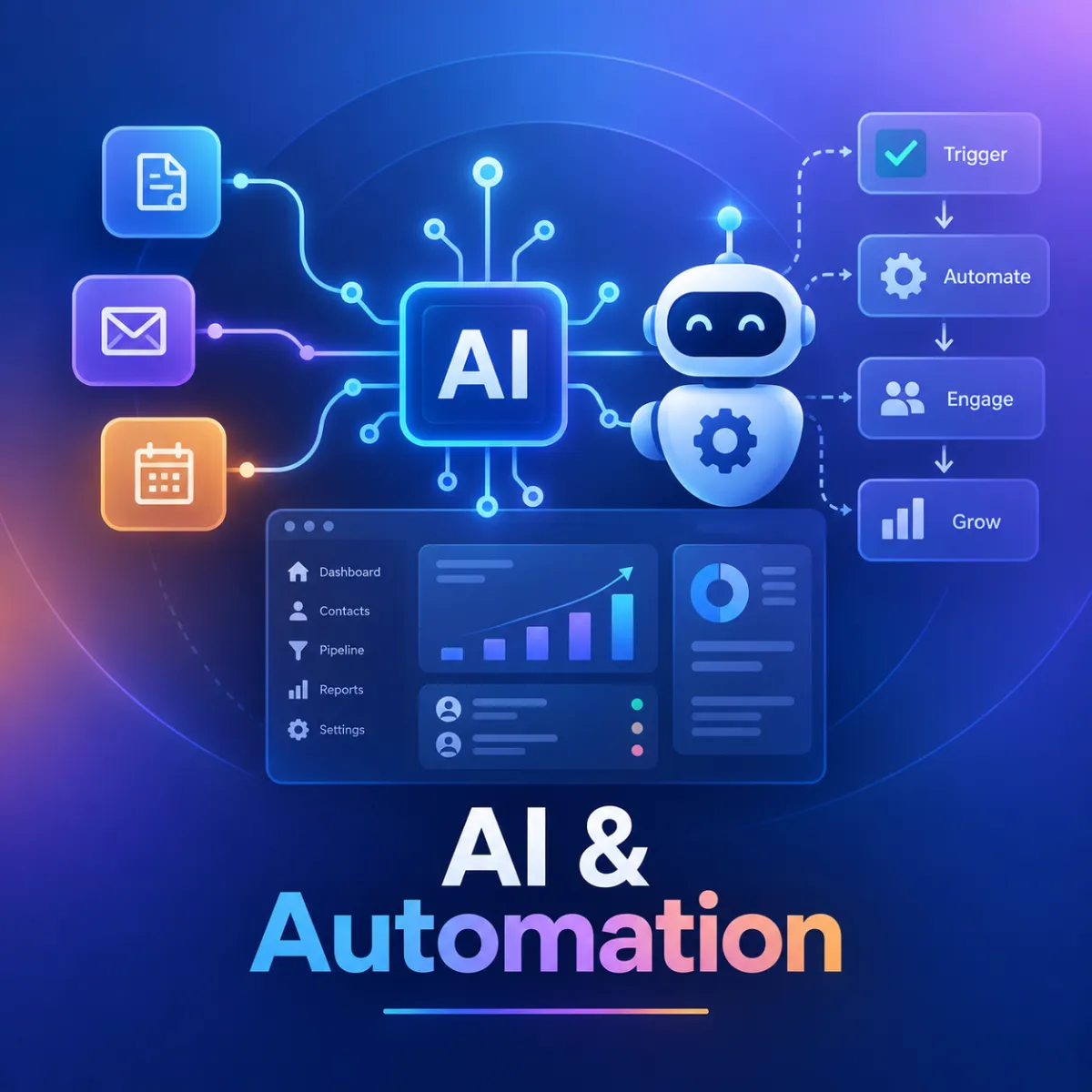
GoHighLevel AI Agents for Lead Follow-Up & Booking
AI, Lead Follow-Up, GoHighLevel, Voice AI
How I Build GoHighLevel AI Agents for Lead Follow-Up and Appointment Booking
This is a practical look at how I set up GoHighLevel Voice AI and Conversation AI agents so they do more than simply answer questions. I use them as part of a larger lead management system that can respond to enquiries, follow up with leads, qualify prospects, help book appointments, update the CRM, and bring a human into the conversation when needed.
This Comes From Real Client Builds
I work directly inside GoHighLevel building these systems for real businesses. Depending on the client’s needs, I may set up separate AI agents for inbound reception, outbound lead follow-up, customer retention, appointment handling, post-call processing, CRM updates, team notifications, and human escalation.
I usually don’t try to make one AI agent handle everything. I prefer giving each agent a clear purpose, then connecting them through GoHighLevel workflows. This makes the system easier to test, manage, troubleshoot, and improve as the business grows.
Start With the Goal: A Clean, Closed-Loop Lead Journey
When I build AI agents in GoHighLevel, I don’t start with the tech. I start with a simple question: “What does a perfect lead journey look like for this business?” For most of the businesses and agencies I work with, the ideal flow is:
Lead calls or opts in → AI answers or responds immediately (inbound Voice AI or Conversation AI).
AI qualifies the lead and updates the GoHighLevel CRM record.
If qualified, AI books an appointment into the correct calendar and sends confirmations.
If not ready, AI puts them into a follow-up workflow and notifies the team when a human should step in.
The magic isn’t any one feature. It’s how inbound Voice AI, outbound AI calling, CRM automation, and workflows are wired together so leads are never left hanging.
Inbound Voice AI: Turning Missed Calls Into Conversations, Not Voicemail
Inbound Voice AI is usually where I start, because it plugs the biggest revenue leak: missed calls. With GoHighLevel’s Voice AI (part of the AI Employee stack in 2026), you can route your main business number or tracking numbers so an AI agent answers when your team can’t.
When I configure this, I focus on three things:
Clear role and script: I define the AI’s role in plain language: “You are a friendly receptionist for a dental clinic. Your job is to capture caller details, answer basic questions, and book appointments.”
Knowledge base: Using GoHighLevel’s Knowledge Base and Conversation AI, I load FAQs, pricing ranges, and location details so the AI can respond with context, not generic fluff.
Direct integration with the CRM: Every inbound call creates or updates a contact in the GoHighLevel CRM, with the call transcript attached. This is key for automation later.
Because Voice AI uses streaming speech-to-speech, callers don’t feel like they’re talking to a robot on a long delay. That alone dramatically improves how many people stay on the line long enough to book or qualify.
Outbound AI Calling: Fast Follow-Up on New and Cold Leads
Once inbound is stable, I add outbound AI calling to hit new leads quickly and revive older ones. This is where agencies see serious ROI, especially when combined with GoHighLevel’s workflow engine and the newer AI Builder improvements introduced through 2026.
My usual setup:
A lead opts in from a funnel, Facebook ad, or web form → they land in a specific pipeline stage in the GoHighLevel CRM.
A workflow trigger (e.g., “Contact added to pipeline: New Leads”) fires an outbound Voice AI call within a few minutes. That speed of response is a big reason AI follow-up is so effective, as many 2026 lead management best-practice guides point out.
The AI uses a tailored script: confirm interest, ask a few qualifying questions, and attempt to book an appointment on the spot.
Because all of this sits inside GoHighLevel, I can segment who gets calls: only fresh leads, only leads with certain tags, or only those who clicked but never booked. The outbound AI isn’t just dialing randomly; it’s working the CRM intelligently.
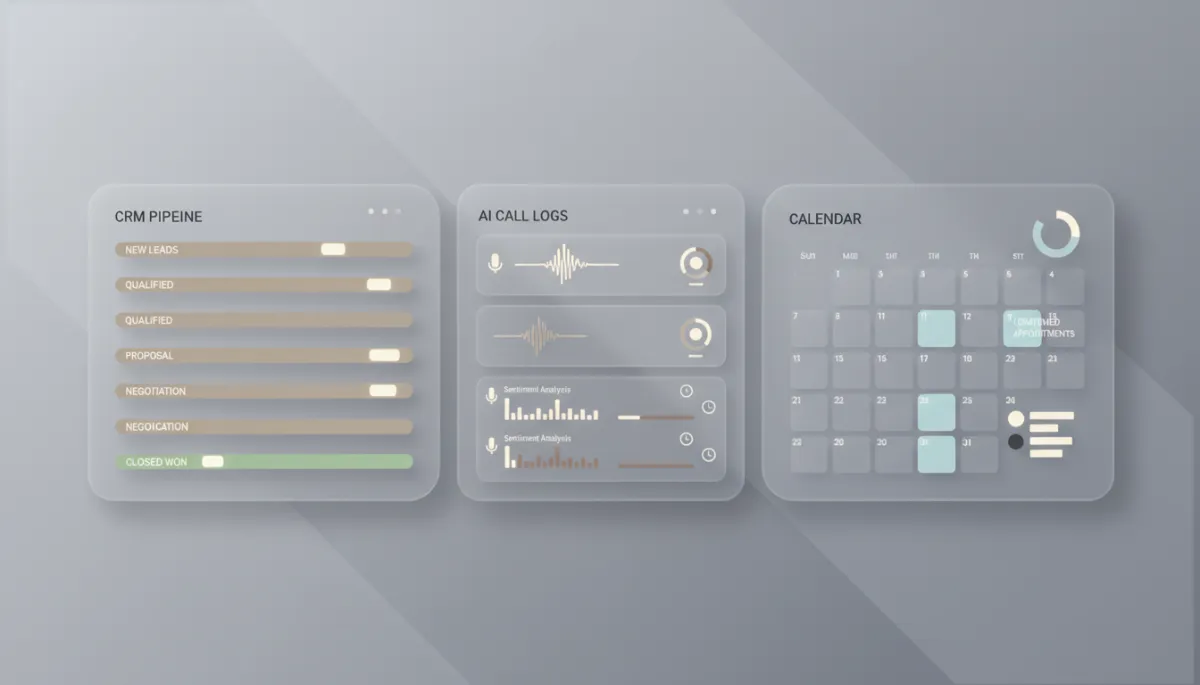
When AI calls are tied to CRM stages, follow-up becomes predictable instead of random.
CRM Automation: Making Every Call Update the Right Data
The real power of GoHighLevel in 2026 is how tightly AI is woven into the CRM and workflows. Every inbound or outbound AI call can:
Attach a transcript to the contact record.
Update custom fields (budget, service interest, timeline, etc.).
Move the contact to a new pipeline stage (e.g., “Qualified – Needs Appointment”).
I lean heavily on the updated Workflow AI Builder here. Instead of manually wiring dozens of steps, I can literally tell it: “When a call transcript mentions ‘budget over 5k’, set the Budget field to ‘High’ and move the opportunity to ‘Hot Leads’.” The platform’s AI Builder, which was rebuilt with streaming and conversational memory in 2026, makes these automations faster to create and easier to tweak.
💡 Practical tip: Decide on 3–5 key fields every AI call should update (budget, timeline, service type, decision-maker, interest level). Build your workflows around those, not 30 random tags.
Appointment Booking: Let the AI Talk Directly to Your Calendar
A big chunk of my AI agent setups is dedicated to appointment booking. This is where GoHighLevel shines, because Voice AI and Conversation AI can interact with your existing calendars instead of sending people to yet another link they’ll ignore.
Here’s the structure I use:
Define which calendar the AI can book on (sales calls vs. service appointments, for example).
Give the AI clear rules: only book during business hours, avoid same-day if prep is needed, or route VIP leads to a specific team member’s calendar.
After a successful booking, trigger a confirmation and reminder workflow (SMS + email) using GoHighLevel’s automation, not a separate tool.
The result: callers can go from “I’m interested” to “You’re booked for Tuesday at 3:30 PM” without a human touching the phone, while everything is logged in the CRM and on the calendar.
Lead Qualification: Teaching Your AI Who Is Worth Your Time
A common mistake is letting AI talk to everyone the same way. When I design these agents, I build a simple qualification framework first, then translate it into AI prompts and CRM logic.
For a home services client, that might be: location, property type, urgency, and budget range.
For a B2B agency, it might be: role, company size, current solution, and timeline.
I then instruct the AI: “Ask these questions naturally during the conversation. Don’t interrogate. If they meet criteria X, Y, and Z, mark them as Qualified and offer to book a call. If not, tag them as Nurture and avoid hard selling.”
Using GoHighLevel’s AI-enhanced workflows, I can also analyze call transcripts later to refine qualifiers: which phrases show buying intent, which objections are common, and where people drop off. The AI Builder’s analytics sub-agent, introduced in 2026, makes these insights accessible in plain language instead of raw data.
Post-Call Workflows: Don’t Let the Conversation Die After “Goodbye”
Every AI call is just the start. I always attach a post-call workflow that kicks in based on what happened during the conversation:
Booked: Send confirmation, reminders, and a short pre-call questionnaire. Move the opportunity to “Appointment Set.”
Interested but not ready: Enroll them in a nurture sequence (email + SMS) with content AI–generated messages tailored to their objections or timeline.
Not a fit: Tag them correctly, stop aggressive follow-up, and maybe send a polite “not a match right now” message.
Thanks to the 2026 workflow updates (like better dynamic value chips and targeted edits), it’s much easier to maintain these automations as scripts evolve. I can adjust a few key steps instead of rebuilding from scratch.
Team Notifications: Keeping Humans in the Loop Without Overwhelming Them
AI should reduce chaos, not create more. I use team notifications very intentionally so sales reps and owners see only what matters:
Internal SMS or email when a hot lead is qualified and booked (“New qualified booking: John Smith, Tuesday 3:30 PM, budget 5–10k.”).
Slack or internal notification when AI gets stuck (“Caller had a complex billing question, please review transcript.”).
Daily or weekly summary reports generated via Ask AI, showing how many calls, bookings, and qualified leads AI handled.
The key is to tie notifications to specific pipeline changes or tags, not every tiny event. That way your team trusts that when GoHighLevel pings them, it’s worth their attention.
Human Handoff: Knowing When the AI Should Get Out of the Way
One of the most important parts of any AI agent is the escape hatch. I always design clear rules for human handoff so the AI doesn’t try to bluff its way through legal, medical, or high-stakes questions—or frustrate serious buyers.
If the caller asks something outside the knowledge base (“Can you guarantee ROI?”), the AI offers to connect them or schedule a call with a human.
If sentiment turns negative (“I’m upset about my last visit”), the AI acknowledges the concern and routes to a human with a high-priority tag.
For VIP segments (based on tags or lifetime value), the AI keeps the call short and focuses on fast handoff, not deep qualification.
In GoHighLevel, this usually means moving the contact to a special pipeline stage, triggering an urgent team notification, and optionally offering the caller a direct transfer if you have live staff available.
How It All Connects: AI Agents + GoHighLevel Workflows in Practice
When you zoom out, the system I build for most clients looks like this:
Conversation/Voice AI agents handle inbound calls, outbound follow-up, and simple FAQs across phone, SMS, and web chat.
Every interaction feeds the GoHighLevel CRM: contacts, notes, call recordings, transcripts, and key fields.
Workflow AI uses that data to move opportunities, send follow-ups, book appointments, and trigger team notifications automatically.
Clear handoff rules ensure humans jump in for complex, sensitive, or high-value situations.
The tech has matured a lot—especially with the “Summer of AI 2026” push and the ongoing workflow and AI Builder updates—but the principle is simple: respond faster, qualify smarter, and keep everything inside one system your team actually uses.
If you’re a business owner or agency, the win isn’t that you “have AI.” It’s that fewer leads slip through the cracks, more of them book, and your team spends time only where it truly moves the needle. That’s what a well-built GoHighLevel AI agent should deliver every day.